Inbound Questionnaires
Inbound Questionnaires manages security questionnaires submitted by your customers. When a prospect or customer sends you a security questionnaire, upload it here. The platform parses the document, generates AI-drafted responses from your Knowledge Base, and presents them for team review before delivery.
Overview
Access from Risk Management > Questionnaires > Inbound in the sidebar.
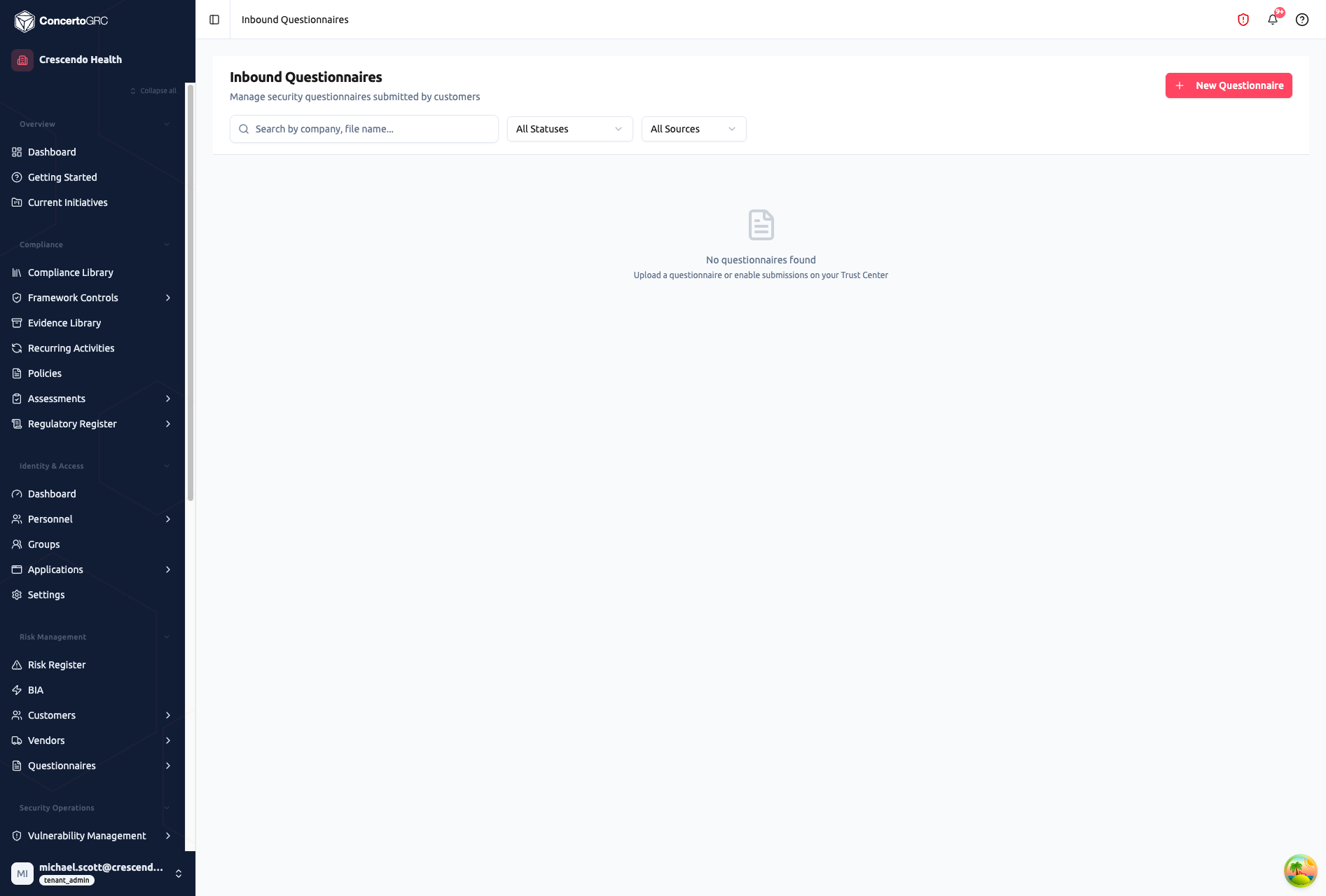
The page shows all received questionnaires with search, status filter, and source filter controls. Questionnaires can arrive via direct upload or through your Trust Center submission form.
Uploading a Questionnaire
- Click New Questionnaire
- Fill in submitter details:
- Company name
- Contact name and email
- Submission context (why they're requesting this)
- Product scope (which products are in scope)
- Upload the questionnaire file (XLSX, CSV, or DOCX)
- Preview -- the platform parses the file and shows:
- Total question count
- Detected sections
- File type
- Any parsing warnings
- Confirm to create the questionnaire
Questionnaire Lifecycle
Status Flow
RECEIVED > PARSING > AI_GENERATING > READY_FOR_REVIEW > IN_REVIEW > COMPLETED > DELIVERED
                ↓                ↓
          PARSE_FAILED     AI_FAILED
Status Definitions
| Status | Description |
|---|---|
| Received | Questionnaire uploaded, awaiting processing |
| Parsing | Platform is extracting questions from the document |
| Parse Failed | Could not parse the document -- manual intervention needed |
| AI Generating | AI is drafting responses from Knowledge Base content |
| AI Failed | AI generation encountered an error |
| Ready for Review | AI responses generated, awaiting human review |
| In Review | Team is reviewing and editing responses |
| Completed | All responses reviewed and finalized |
| Delivered | Completed questionnaire sent back to the customer |
AI Response Generation
After parsing, the platform generates response drafts using your Knowledge Base:
- Each question is matched against Knowledge Base entries using embeddings-based similarity search
- AI drafts a response using the matched KB content as context
- Each response includes a confidence score and source references
- Responses are presented for human review -- AI never auto-delivers
Knowledge Base
The Knowledge Base (accessible from Risk Management > Questionnaires > Knowledge Base in the sidebar) stores your organization's canonical answers to common security questions. Populate it with:
- Answers to frequently asked security questions
- Standard responses about your security posture
- Framework-specific compliance statements
- Product-specific security details
The richer your Knowledge Base, the more accurate and complete AI-generated responses will be.
Reviewing Responses
Once responses are generated, the review interface shows:
- Question -- The original question from the customer's questionnaire
- AI Response -- Generated draft with confidence indicator
- KB Sources -- Which Knowledge Base entries informed the response
- Status -- Per-question review status (Pending, Approved, Edited, Flagged)
- Comments -- Internal discussion thread per question
Reviewers can approve responses as-is, edit them, or flag questions that need subject matter expert input.
Sources
Questionnaires can arrive from two sources:
| Source | Description |
|---|---|
| Upload | Manually uploaded via the New Questionnaire wizard |
| Trust Center | Submitted through your public Trust Center questionnaire submission form |
Use the All Sources filter to view questionnaires by source.
Product Scoping
When uploading a questionnaire, you can scope it to specific products. This helps the AI generate product-specific responses when your organization operates multiple products with different security postures.
Export
Completed questionnaires can be exported to return to the customer in their original format with your responses populated.